Business Loan EMI Calculator – Check Monthly EMIs Instantly
A Business Loan EMI Calculator helps business owners estimate monthly instalments for a term loan so they can plan cash flow and evaluate borrowing options. This guide explains what the calculator does, the inputs it uses, how the tool converts annual rates and tenures into monthly values, what factors influence EMI outcomes, practical ways to lower the effective interest you pay, and the key benefits of using the calculator before you sign a loan agreement. You will learn how the calculator treats the principal, how it interprets interest and tenure for monthly computations, and why shorter or longer tenures change the total cost of borrowing. The guide also describes how offering security to a lender can affect the interest rate and, ultimately, the EMI. Finally, it summarises the practical advantages of using an EMI calculator so you can compare loan offers and budget your repayments confidently. Whether you are deciding between tenures or comparing lenders, understanding these concepts helps you negotiate better and avoid common budgeting mistakes.
What is a Business Loan EMI Calculator?
A Business Loan EMI Calculator is an online tool that converts a loan proposal into a predictable monthly repayment figure. At its core the calculator uses the loan principal, the monthly interest rate and the loan tenure expressed in months to compute the instalment that will be paid each period. Knowing the EMI helps businesses plan operating cash flow, decide affordability and compare loan offers more objectively.
One practical advantage of the calculator is that it avoids manual arithmetic and reduces the chance of error when you are assessing different combinations of loan amount, interest and tenure. The tool is generally available free of charge and can be accessed at any time, which makes it a useful decision-support instrument for small and medium enterprises reviewing credit options.
How to Use Business Loan EMI Calculator?
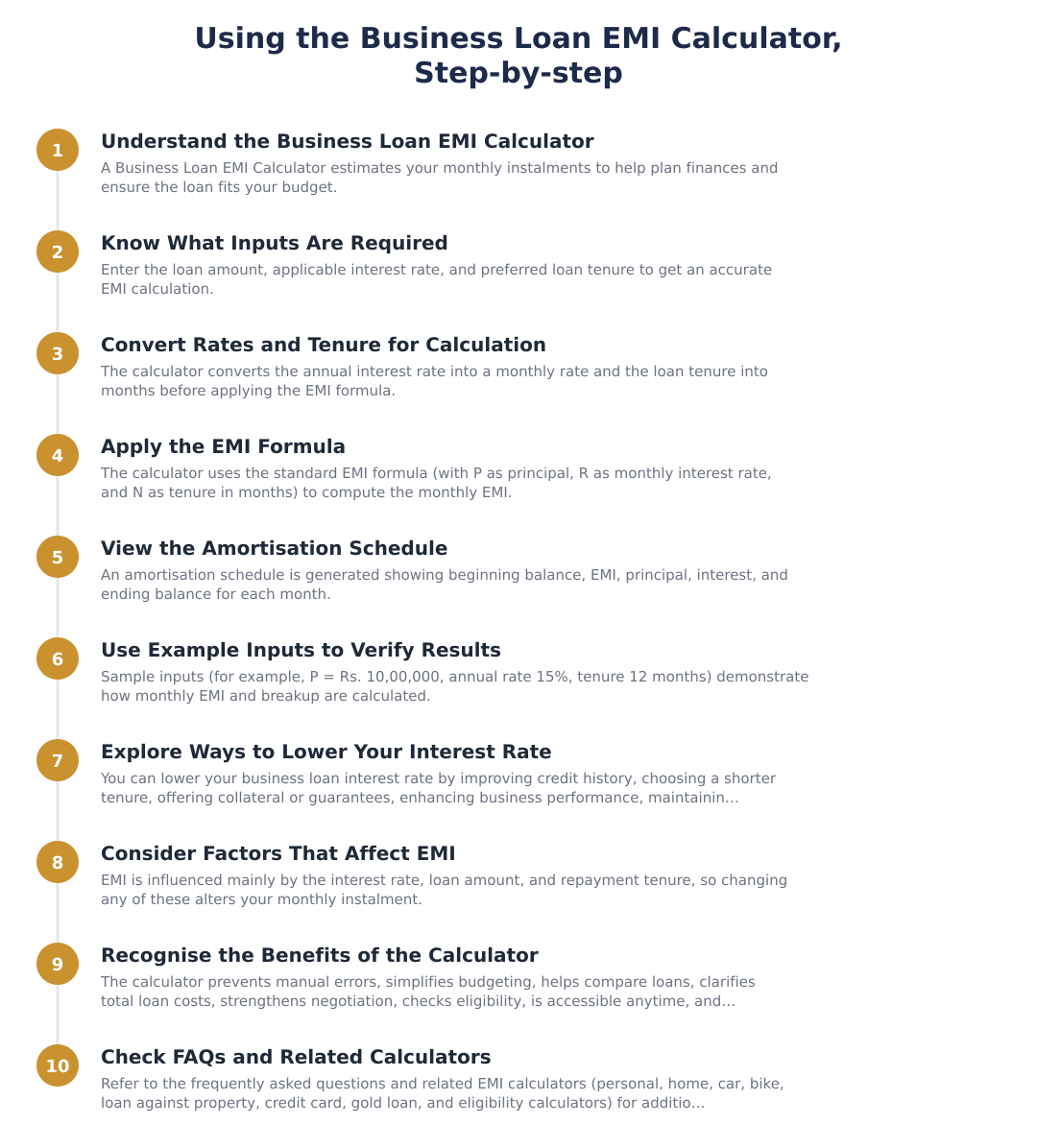
Provide the total loan amount you intend to borrow; the calculator treats this as P, the principal loan amount.
Give the annual interest rate; the calculator converts it into a monthly interest rate by dividing by 12 (for example, 12% ÷ 12 = 1% per month). The tool uses this monthly rate as R.
Input the loan tenure (in years or months). The calculator converts years to months for computation, e.g., a 3-year loan becomes 3 × 12 = 36 months, and uses that value as N.
After these inputs, the calculator displays the monthly instalment and typically an amortisation view so you can see principal and interest components over the loan term.
Formula for Calculating Business Loan EMI
When calculators compute EMI they rely on three core components: P, R and N. In this context, P represents the principal loan amount, R denotes the monthly interest rate and N refers to the loan tenure in months. These three variables determine how much of each EMI goes towards interest versus principal in every period.
Before the core computation, two routine conversions occur: the annual interest rate is translated into a monthly rate by dividing by 12 (for example, 12% per year becomes 1% per month), and any tenure given in years is converted into months (for instance, a 3-year loan becomes 36 months). With those standardized inputs the calculator applies the standard amortisation mathematics to split each instalment into principal and interest portions.
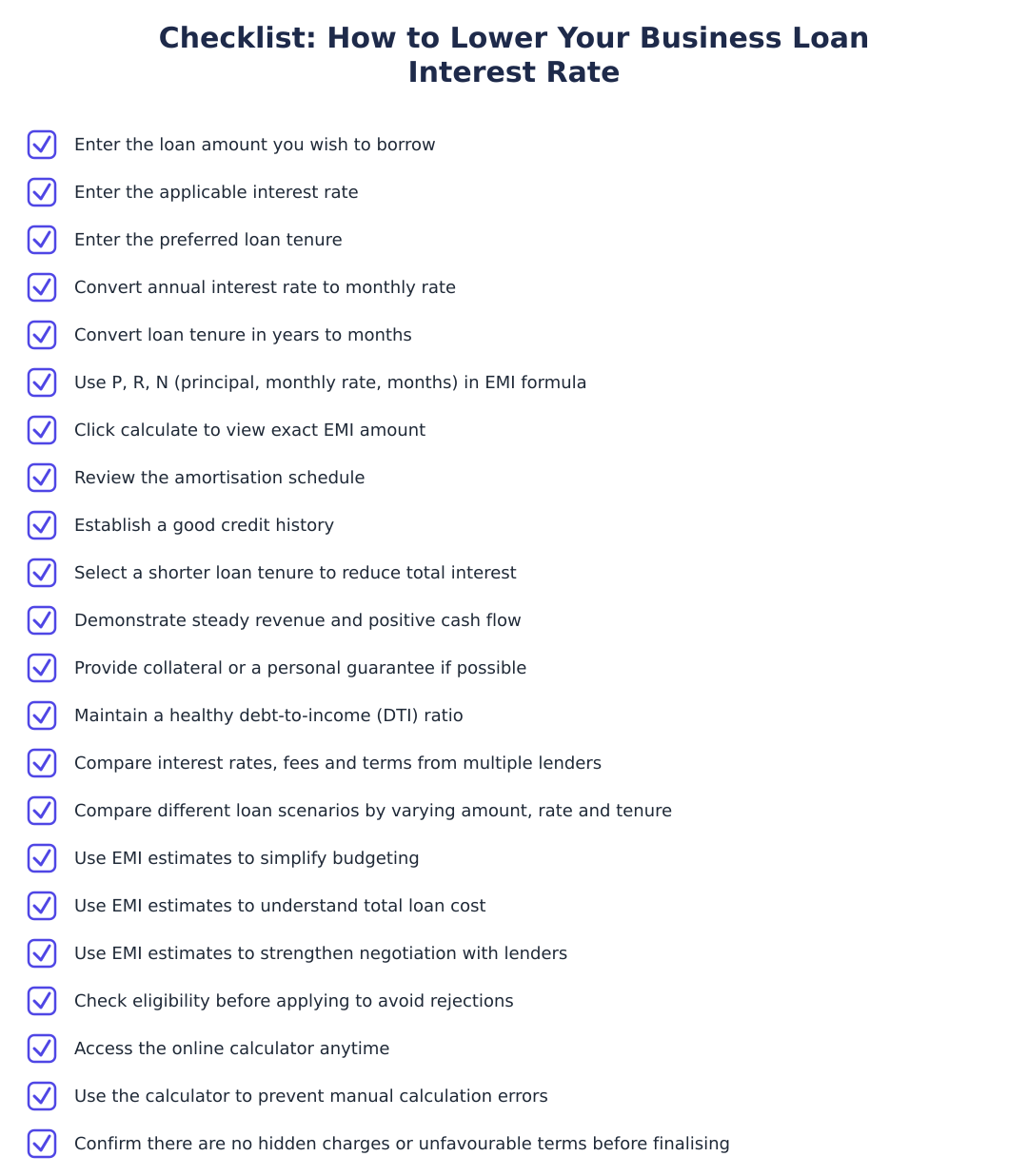
How to Lower Your Business Loan Interest Rate?
Offering security to the lender is a direct way to influence the rate you are offered. Providing collateral or a personal guarantee lowers the lender’s risk and can therefore result in a reduced interest rate. This trade-off reduces cost but comes with the responsibility that the secured asset or guarantor’s obligation may be affected in case of default.
Another structural choice is tenure selection. Selecting a shorter loan tenure minimises the total cost of the business loan by reducing the total interest paid. Conversely, choosing a longer tenure will lower monthly instalments but increases the total interest paid over the life of the loan. Balancing monthly affordability against total cost is essential when negotiating terms with lenders.
Factors Affecting Business Loan EMI Calculation
The primary factors that determine EMI are the interest rate, the loan amount and the repayment tenure. Changes to any one of these three inputs will alter the EMI and the split between principal and interest across the repayment schedule.
Because the annual rate is converted to a monthly figure before computation and tenure is expressed in months, small changes in the annual interest or in the chosen tenure can have meaningful impacts on monthly cash flow and the total interest burden. That is why careful comparison of rate offers and tenures is important before committing to a loan.
Benefits of Business Loan EMI Calculator
Using an EMI calculator prevents manual calculation errors and simplifies budgeting by producing quick, accurate monthly payment estimates. This removes guesswork and helps businesses ensure repayments fit within projected cash flows.
The calculator also makes it easy to compare different loan options and understand the full cost of each alternative, which enhances your negotiating position with lenders. Additional benefits include helping you check potential eligibility and the fact that such calculators are generally free to use and accessible anytime.
A Business Loan EMI Calculator is a practical, no-cost tool that converts principal, monthly rate and tenure into a predictable monthly payment and an amortisation view. By understanding the role of P, R and N, and how converting annual rates and year-long tenures into monthly values affects the outcome, you can compare offers, plan cash flow and choose a tenure that balances monthly affordability with total cost. Offering collateral and selecting an appropriate tenure are two levers you can use to lower the effective interest you pay.
Frequently asked questions
What is a business loan EMI calculator and why should I use it?
A business loan EMI calculator is an online tool that instantly estimates your monthly instalment (EMI) for a business loan based on loan amount, interest rate and tenure. It helps you plan cash flow by showing how much you must pay each month and how much of each EMI goes to principal versus interest; for example, a Rs. 20,00,000 loan at 10% p.a. with a 36-month tenure gives an EMI of about Rs. 64,534. The calculator also produces an amortisation schedule so you can see the remaining balance after each EMI and compare different loan scenarios by varying rate, amount or tenure. Because it removes manual errors and is free to use, it’s useful before applying for or negotiating a loan.
How do I use a business loan EMI calculator step by step?
To use a business loan EMI calculator you enter three inputs: the loan amount (principal), the annual interest rate, and the loan tenure (in years or months), and the tool computes the EMI immediately. For example, enter P = Rs. 10,00,000, annual rate 15% (monthly 1%), and tenure 12 months to see the exact monthly payment and total interest. Some calculators also let you view an amortisation schedule showing each month’s beginning balance, interest portion, principal portion and ending balance so you can track repayment progress. Many tools also let you tweak inputs to compare shorter versus longer tenures or different interest rates side-by-side.
What is the formula for calculating a business loan EMI?
The EMI is calculated using the standard amortising loan formula: EMI = P × r × (1+r)^N ÷ ((1+r)^N − 1), where P is the principal, r is the monthly interest rate (annual rate ÷ 12), and N is the total number of monthly instalments. For instance, for a 3-year (36-month) loan at an annual rate of 10%, r = 10%/12 ≈ 0.008333 and you plug P and N into the formula to compute the EMI (about Rs. 64,534 for P = Rs. 20,00,000, r = 0.008333, N = 36). This formula apportions each EMI between interest (on the outstanding balance) and principal, producing the amortisation schedule over the loan tenure. Use an online calculator to avoid arithmetic mistakes when raising (1+r)^N and computing the division.
What is an amortisation schedule and how does the EMI calculator show it?
An amortisation schedule is a month‑by‑month breakdown of each EMI showing beginning balance, EMI amount, interest component, principal component and ending balance. For example, an amortisation table for a Rs. 20,00,000 loan at 10% p.a. with EMI Rs. 64,534 shows Month 1 interest ≈ Rs. 16,667 and principal ≈ Rs. 47,868, with the outstanding balance falling each month until fully repaid in month 36. The schedule helps you see how the interest portion is higher initially and the principal portion rises over time, and it allows planning for lump‑sum prepayments or early closure. Many calculators export the amortisation schedule so you can review totals and remaining balance at any point in the tenure.
How can I lower the interest rate on my business loan to reduce EMI?
You can lower your business loan interest rate by improving creditworthiness, offering collateral or a personal guarantee, choosing a shorter tenure, and comparing offers from multiple lenders before finalising. Maintaining a strong credit history with timely payments and a low debt‑to‑income ratio increases your chances of a better rate, while providing collateral reduces lender risk and often attracts lower pricing. Negotiating with lenders armed with precise EMI estimates from the calculator strengthens your bargaining position; however, weigh any lower rate against higher fees or risks to pledged assets. Also consider switching lenders or refinancing if market rates fall and refinancing costs are justified by interest savings.
What factors affect the EMI calculated for a business loan?
The three primary factors that affect EMI are the loan amount, the interest rate, and the repayment tenure: higher principal or higher interest increases EMI, while a longer tenure lowers the EMI but raises total interest paid. Other practical factors include whether the rate is fixed or floating (floating rates can change EMI over time), processing or other up‑front fees that add to the effective loan cost, and any prepayment or foreclosure charges that affect total repayment strategy. Lender‑specific eligibility criteria (credit score, cash flow, collateral) determine the interest rate you are offered, which in turn changes your EMI. Use the calculator to model different permutations of these factors to find the most affordable and cost‑effective option.
What are the benefits of using a business loan EMI calculator?
A business loan EMI calculator provides quick, accurate EMI estimates to simplify budgeting, compare loan options, understand total interest cost, and avoid manual calculation errors. It helps you simulate different loan amounts, tenures and interest rates to find EMI levels that fit your company’s cash flow and to negotiate better terms with lenders. The calculator also typically generates an amortisation schedule so you can see monthly principal and interest breakup and the outstanding balance after each EMI, which aids in planning prepayments or refinancing. Because most calculators are free and available anytime, they are convenient decision‑making tools before applying for finance.
Does the EMI calculator account for different interest compounding or extra fees?
Most basic EMI calculators assume monthly compounding of interest and compute EMI using the standard monthly‑rate formula, but they may not automatically include non‑interest fees like processing charges, GST, or insurance unless explicitly added. If a lender charges processing fees, prepayment penalties, or insurance premiums, those do not change the EMI formula but they increase the effective cost of borrowing and should be added separately to your cash‑flow planning. Some advanced calculators let you enter one‑time fees or periodic charges to show the true effective cost and monthly equivalent; always check inputs and, if needed, calculate the total cost (EMIs plus fees) for a fair comparison between lenders. Ask your lender for a detailed cost sheet so you can replicate all charges in the calculator.
Can I use the business loan EMI calculator to decide between longer and shorter tenures?
Yes, use the EMI calculator to compare how different tenures affect your monthly payment and total interest: a longer tenure reduces the EMI but increases the total interest paid, while a shorter tenure raises the EMI but lowers overall interest cost. For example, keeping principal and rate constant, moving from a 36‑month to a 24‑month tenure will increase the EMI but reduce total interest, so the calculator helps you weigh cash‑flow affordability against total cost. The amortisation output further shows how much principal you repay each month under each tenure, which is useful when planning for growth, irregular income cycles, or prepayments. Try multiple scenarios in the calculator to find the tenure that best balances monthly liquidity and long‑term cost.
Run a service business? See every client's money on one screen.
MoneyGence shows who has paid, who is overdue and by how many days, with GST-ready invoices, bank reconciliation and renewal alerts alongside your Calculators work. Free for up to 2 clients, no credit card needed.
Start free with 2 clients See how it works →