Work Experience Calculator – Calculate Years, Months & Days
A work experience calculator is a simple digital tool that helps professionals turn employment history into a clear, standardized measure of experience. This guide explains what a work experience calculator does, the conceptual formula it uses, why accurate calculation matters for resumes and employment processes, and practical benefits for career planning. You will also find guidance on how to interpret results and common questions people have when tracking cumulative experience across multiple roles. Whether you are preparing a resume, verifying eligibility for a role that requires prior experience, or simply keeping a tidy career record, understanding how experience is calculated helps present your background consistently and confidently. This guide focuses on the logic behind such calculators and how they support decisions like job applications, negotiation, and milestone tracking, without diving into tool-specific interfaces.
What is a Work Experience Calculator?
A work experience calculator is an application that converts start and end dates of employment into a standardized duration, typically expressed in years, months, and days. Instead of relying on manual arithmetic or rough estimates, the calculator applies a consistent method to compute the length of each engagement and to aggregate multiple engagements into a total experience figure.
Beyond raw arithmetic, these calculators often include options to handle nuances such as overlapping jobs, breaks in employment, and partial months. The objective is to produce a reproducible and clear output you can use on resumes, profiles, or as part of eligibility checks for roles and programs that require a minimum tenure.
Work Experience Calculator Formula
Conceptually, the formula takes the difference between an employment start date and an end date and expresses that difference in composite units: years, months, and days. For multiple employments, the calculator computes each segment independently and then aggregates them, taking care to adjust for any overlaps so time is not double-counted.
Practical implementations may apply rounding rules or normalization (for example, converting excess days into months and excess months into years) so the final output is presented in conventional units. Some calculators also provide an option to return the result as a single decimal value in years for succinct reporting.
Example of Calculating Work Experience
A typical demonstration walks through entering a start date and end date for one job and observing the output in years, months, and days. When multiple jobs are involved, the example shows how the calculator sums each role’s duration and adjusts for overlaps or gaps.
The key takeaway from examples is to ensure dates are entered consistently (using the same calendar conventions) and to decide beforehand how to treat partial months or brief gaps. This consistency helps avoid discrepancies between what appears on a resume and what background verifiers might expect.
Benefits of Work Experience Calculator
Accuracy: Automating date arithmetic reduces manual errors when tallying experience, giving you confidence in the numbers you present to employers or institutions.
Consistency and Documentation: A calculator enforces a uniform approach to counting time, which is useful when you must produce verifiable records for background checks, eligibility assessments, or professional licensing.
Importance of Tracking Work Experience
Maintaining an accurate, up-to-date record of your employment durations supports clearer career planning and stronger job applications. Precise experience figures help you determine qualification for roles that specify minimum tenure and can strengthen your position during salary negotiations.
From an administrative perspective, reliable tracking simplifies milestone recognition and can assist with statutory or organizational processes that depend on tenure. For individuals, it also creates a factual foundation for reflecting on career growth and identifying gaps or patterns across different roles.
Frequently Asked Questions
Common questions concern how to handle overlapping jobs, whether to count notice periods, and how to report experience for part-time or contract roles. Best practice is to choose a clear rule for each case and apply it consistently when using a calculator.
Another frequent topic is rounding conventions, whether to round partial months up or down, or to convert the entire experience into decimal years. Different audiences (employers, immigration bodies, professional bodies) may prefer different formats, so it helps to ask which representation they expect before submitting your totals.
A work experience calculator is a practical aid for professionals who want accurate, consistent measures of their employment history. By applying a clear method to date differences and aggregations, it reduces errors, supports documentation needs, and strengthens how you present your background. Use a calculator with transparent rules for overlaps, gaps, and rounding so the results align with the expectations of employers and verifiers.
Frequently asked questions
What is a work experience calculator and how does it help me?
A work experience calculator is an online tool that calculates your total work experience and presents it in years, months, and days. It lets you enter start and end dates for jobs and returns an accurate breakdown to remove manual mistakes and prepare for background verification. The calculator also helps with resume and profile optimisation by providing exact experience for each company and supports statutory checks like gratuity eligibility. Many people use it to ensure their immigration or professional education applications meet prior work experience requirements.
How does the work experience calculator compute years, months and days?
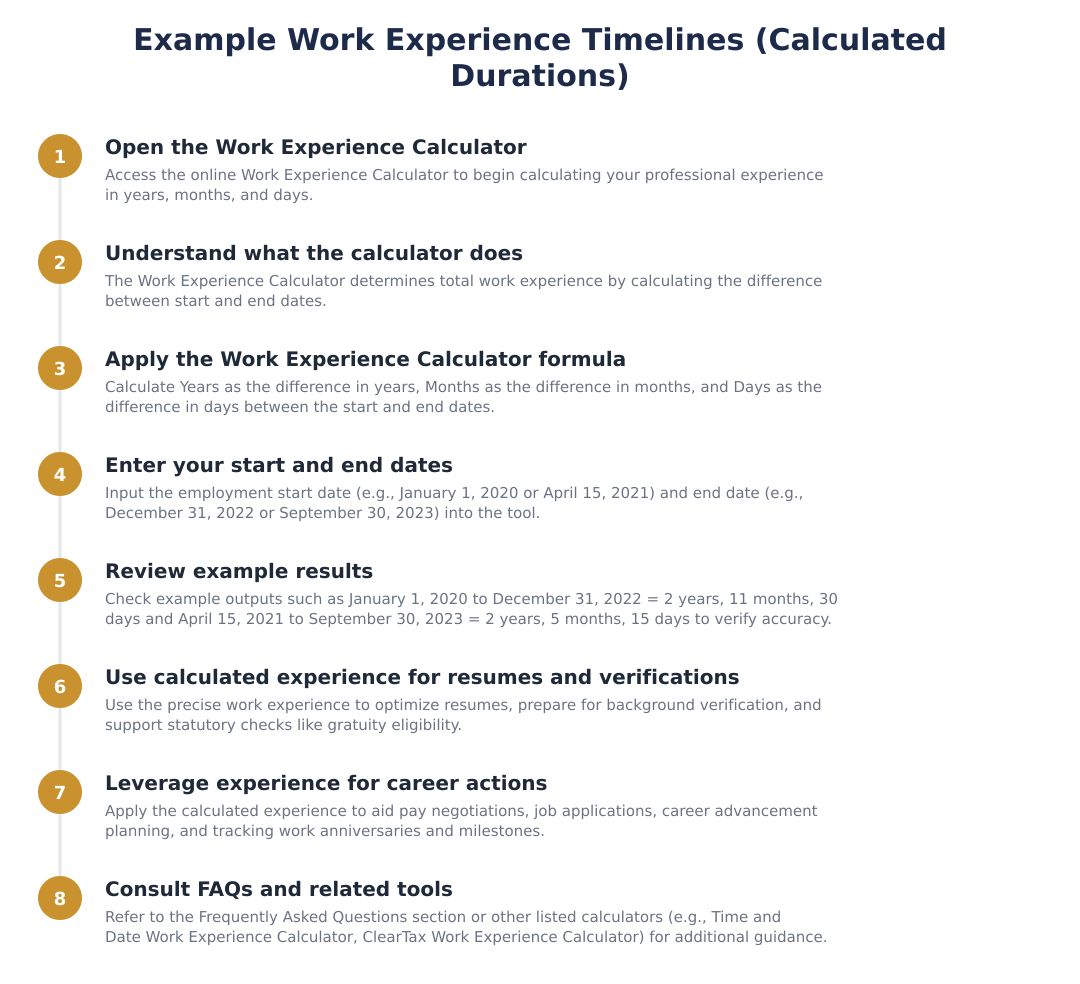
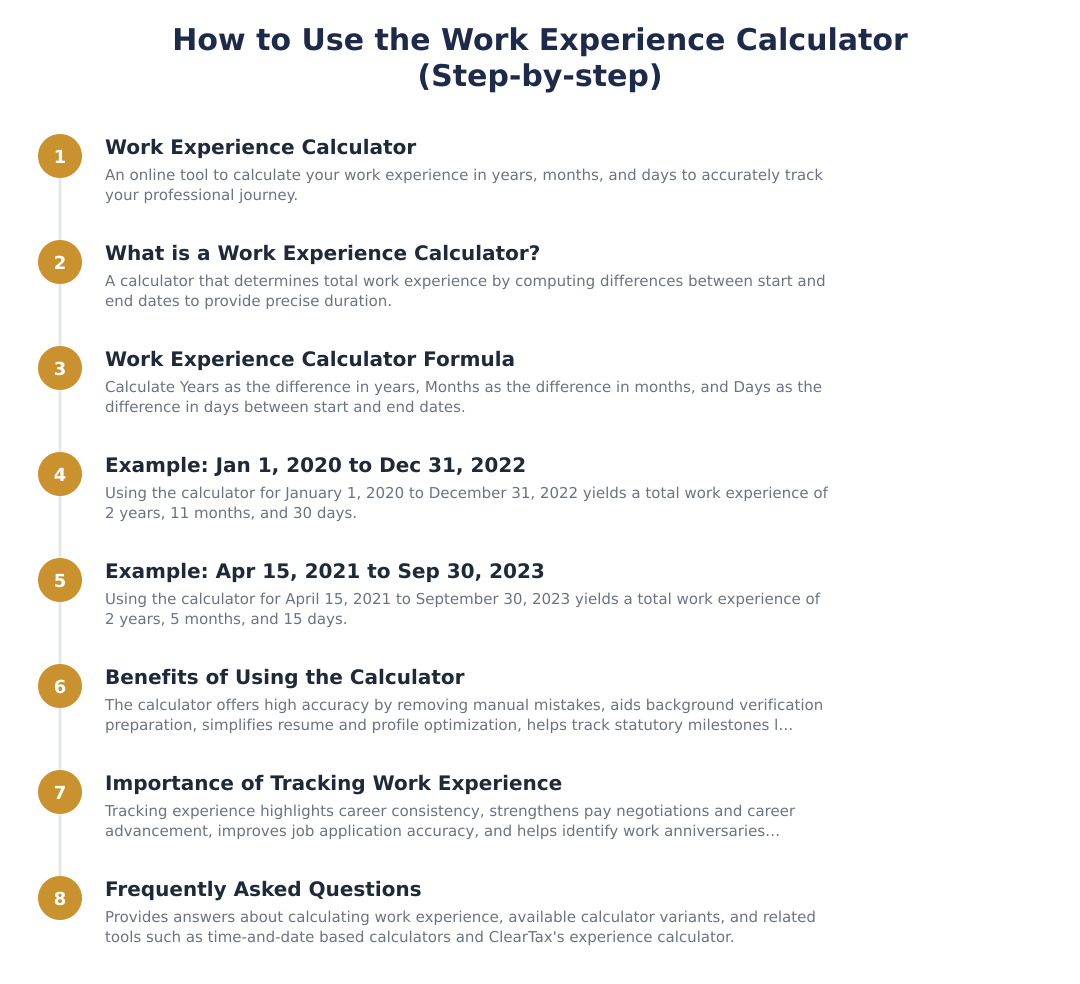
The work experience calculator computes years, months and days by taking the difference between the start date and end date and breaking that difference into years, months and days. Specifically, Years = difference in years between start and end dates; Months = difference in months between start and end dates; Days = difference in days between start and end dates. This approach produces a clear numeric breakdown such as 2 years, 11 months and 30 days for dates like January 1, 2020 to December 31, 2022. The calculator removes manual date arithmetic errors by performing this computation automatically.
Can the calculator add up experience from multiple jobs or breaks?
Yes, the calculator can total experience across multiple jobs or stints by calculating each period separately and then summing the years, months and days. You should enter each start and end date for every employer or stint, and the tool will aggregate the durations to give a cumulative total. This helps account for breaks, rehires, or contract roles and gives a precise overall experience for resumes or eligibility checks. Make sure to handle overlapping periods correctly, either by adjusting dates or using an option to merge overlaps if the calculator provides one.
Can you give an example of how the calculator outputs results?
An example output from the calculator is: for the period January 1, 2020 to December 31, 2022 it returns Total Work Experience: 2 years, 11 months, 30 days. Another example: for April 15, 2021 to September 30, 2023 it returns Total Work Experience: 2 years, 5 months and 15 days. The calculator shows the breakdown so you can copy exact values into your resume, visa application or HR forms. These examples illustrate how start and end dates map to the years-months-days result the tool produces.
Is this calculator useful for gratuity and statutory calculations?
Yes, the work experience calculator is useful for tracking eligibility for statutory benefits like gratuity because it provides exact working durations required by many laws and company policies. Employers and employees can use the precise years, months and days to determine milestone eligibility such as the minimum continuous service for gratuity or other tenure-based benefits. Accurate tracking also helps HR prepare correct payouts and reduces disputes during background verification. Always confirm with your HR or legal advisor for jurisdiction-specific rules, but the calculator gives the core duration data needed.
How does using a work experience calculator improve my job applications and pay negotiations?
Using a work experience calculator improves job applications and pay negotiations by giving you an accurate, validated total experience that boosts confidence and clarity during interviews and salary discussions. Employers often require precise experience in job descriptions, and presenting exact years, months and days reduces the risk of rejection during screening or background checks. Knowing your verified tenure also strengthens your position in negotiating salary or seniority since you can confidently cite exact experience across roles. Additionally, it helps highlight consistency and career progression on your resume or professional profiles.
Can I use the calculator to track work anniversaries and milestones?
Yes, the calculator can be used to track work anniversaries and milestones by calculating exact durations from your start date to any chosen date. It can identify key milestones like 1 year, 3 years, 5 years or 10 years by showing how much time has elapsed, which is useful for celebrations, performance reviews, or benefit eligibility. Many users rely on the output to plan anniversaries or prepare documentation required at those milestones. The precise breakdown in years, months and days ensures you know the exact timing of each milestone.
What are the main benefits of using an online work experience calculator?
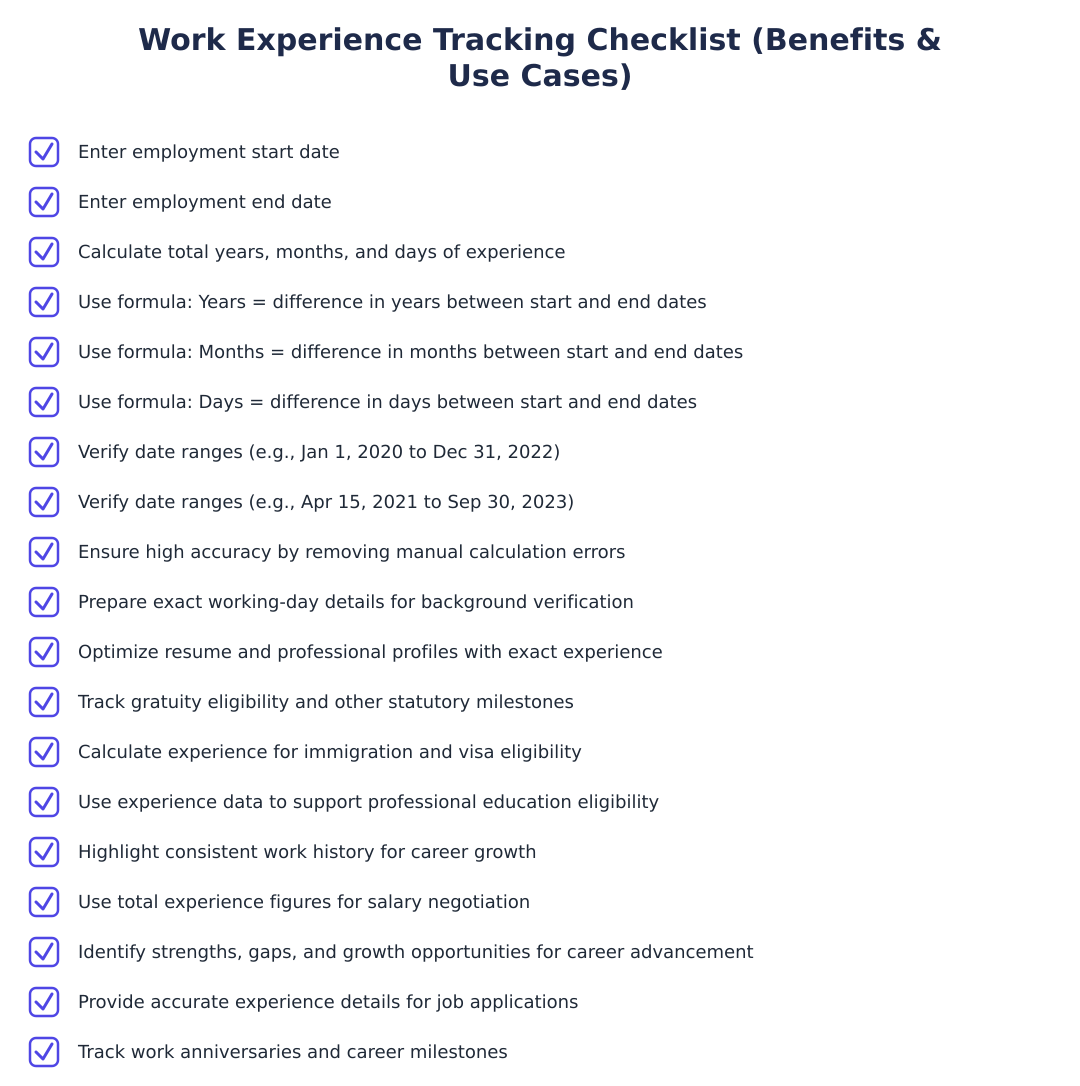
The main benefits of an online work experience calculator are high accuracy, easier background verification, resume and profile optimisation, statutory and milestone tracking, and help with immigration or education eligibility that requires prior work experience. It removes manual calculation errors, provides exact working days for each organisation to smooth background checks, and supplies precise values for resumes and job applications. It also helps determine eligibility for gratuity or other tenure-based benefits and simplifies visa or professional-course eligibility by confirming required experience periods. Overall, it streamlines career management tasks from pay negotiations to anniversary tracking.
Run a service business? See every client's money on one screen.
MoneyGence shows who has paid, who is overdue and by how many days, with GST-ready invoices, bank reconciliation and renewal alerts alongside your Calculators work. Free for up to 2 clients, no credit card needed.
Start free with 2 clients See how it works →